


Download "My Viva" app, link your bank card, and pay for all Viva services
24.06.2026,
14:11
"My Viva" is a reliable tool for payments, service management, and self-service, based on the "single window" principle.
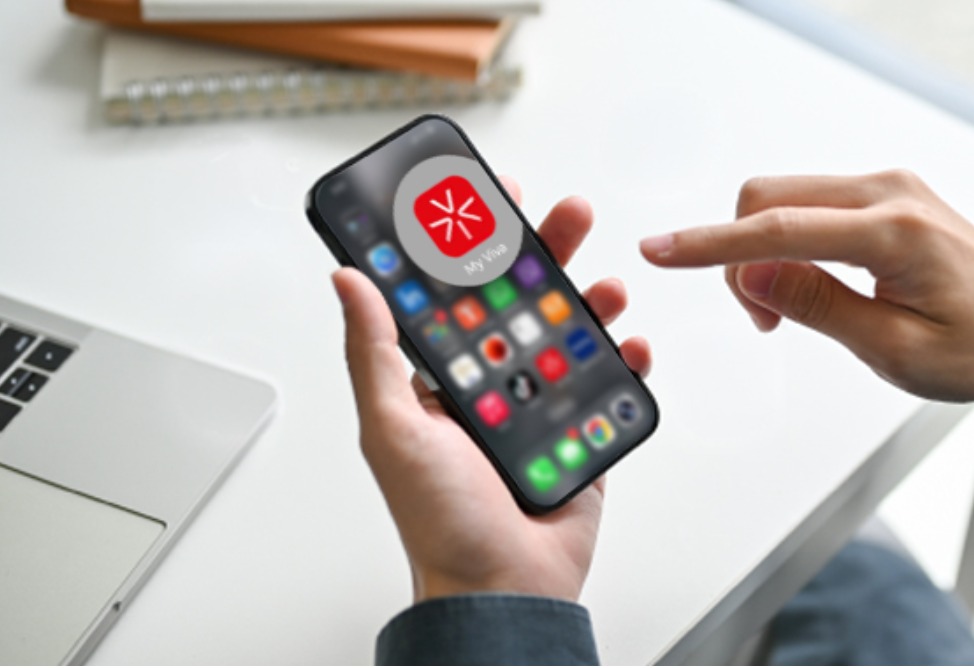
YEREVAN, June 24. /ARKA/. "My Viva" is a reliable tool for payments, service management, and self-service, based on the "single window" principle. Using the app is quick and easy: with just a few taps, users gain complete control over services and payments without wasting time.
Instead of visiting a service center, waiting in line to pay for services, or changing tariff plans, all actions can be completed through the "My Viva" app in seconds—directly from your mobile phone. This significantly saves time and makes service management quick and convenient. You can also make payments for family members if desired.
"My Viva" allows you to schedule payments and set up automatic payments. Transactions are displayed instantly, and payment history and electronic invoices are available for download. Bank card details linked to the app are stored in the ArCa payment system, ensuring transaction security. "The 'My Viva' app was created for the convenience of our subscribers, taking into account their usage habits and preferences. In the rapidly evolving digital world, it's more important than ever to have a reliable app that provides centralized service management, effective expense control, and payment processing through a simple, intuitive, and user-friendly interface. Our subscribers can link a bank card, make payments for themselves and their loved ones, and even activate the auto-payment feature. We're proud to note that the 'My Viva' app is in high demand," noted Armen Avetisyan, CEO of Viva.
With its user-friendly interface and comprehensive features, My Viva lets you easily:
Instead of visiting a service center, waiting in line to pay for services, or changing tariff plans, all actions can be completed through the "My Viva" app in seconds—directly from your mobile phone. This significantly saves time and makes service management quick and convenient. You can also make payments for family members if desired.
"My Viva" allows you to schedule payments and set up automatic payments. Transactions are displayed instantly, and payment history and electronic invoices are available for download. Bank card details linked to the app are stored in the ArCa payment system, ensuring transaction security. "The 'My Viva' app was created for the convenience of our subscribers, taking into account their usage habits and preferences. In the rapidly evolving digital world, it's more important than ever to have a reliable app that provides centralized service management, effective expense control, and payment processing through a simple, intuitive, and user-friendly interface. Our subscribers can link a bank card, make payments for themselves and their loved ones, and even activate the auto-payment feature. We're proud to note that the 'My Viva' app is in high demand," noted Armen Avetisyan, CEO of Viva.
With its user-friendly interface and comprehensive features, My Viva lets you easily:
- track your consumption and manage your expenses
- check your balance, data usage, and call history in real time
- block calls from hidden numbers
- top up your prepaid account
- view your bills and pay for postpaid services quickly and securely
- set up automatic payments with a linked bank card for top-ups and service payments
- activate, change, or customize your tariff plan
- manage your remaining minutes and data and easily connect additional packages
- activate roaming and use VOYAGE packages in over 80 countries
- take advantage of exclusive offers from digital partners Yandex Plus, Kinodaran, and Ivi
- exchange bonus points for gifts
- get one-touch support: message the chat assistant and receive answers
- Step-by-step instructions for installing, registering, and using the My Viva app can be found here.
- Scan the QR code: QR codes located on information leaflets at service centers will help you quickly download the app and read the instructions.